 Margin
A calm launcher.
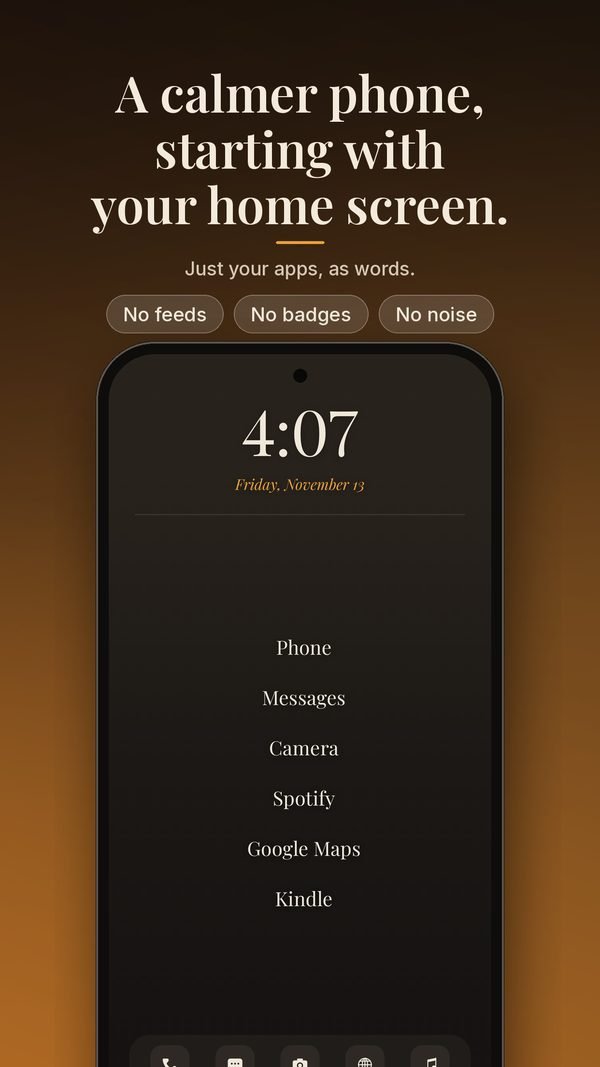
A calmer phone, starting with your home screen. Your apps as words, your day on a timeline, notes and to-dos a swipe away.
Free to download · Android 10+ · Premium optional
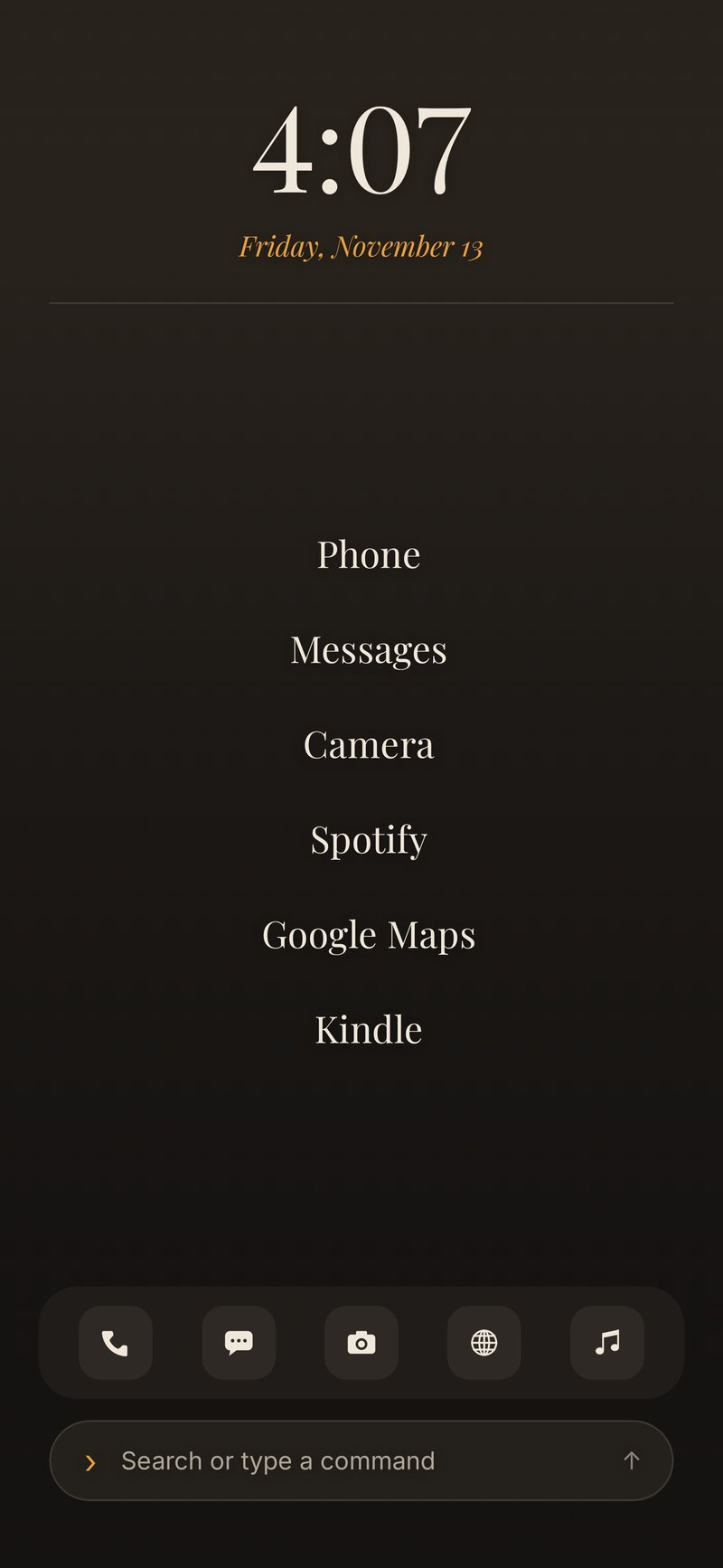
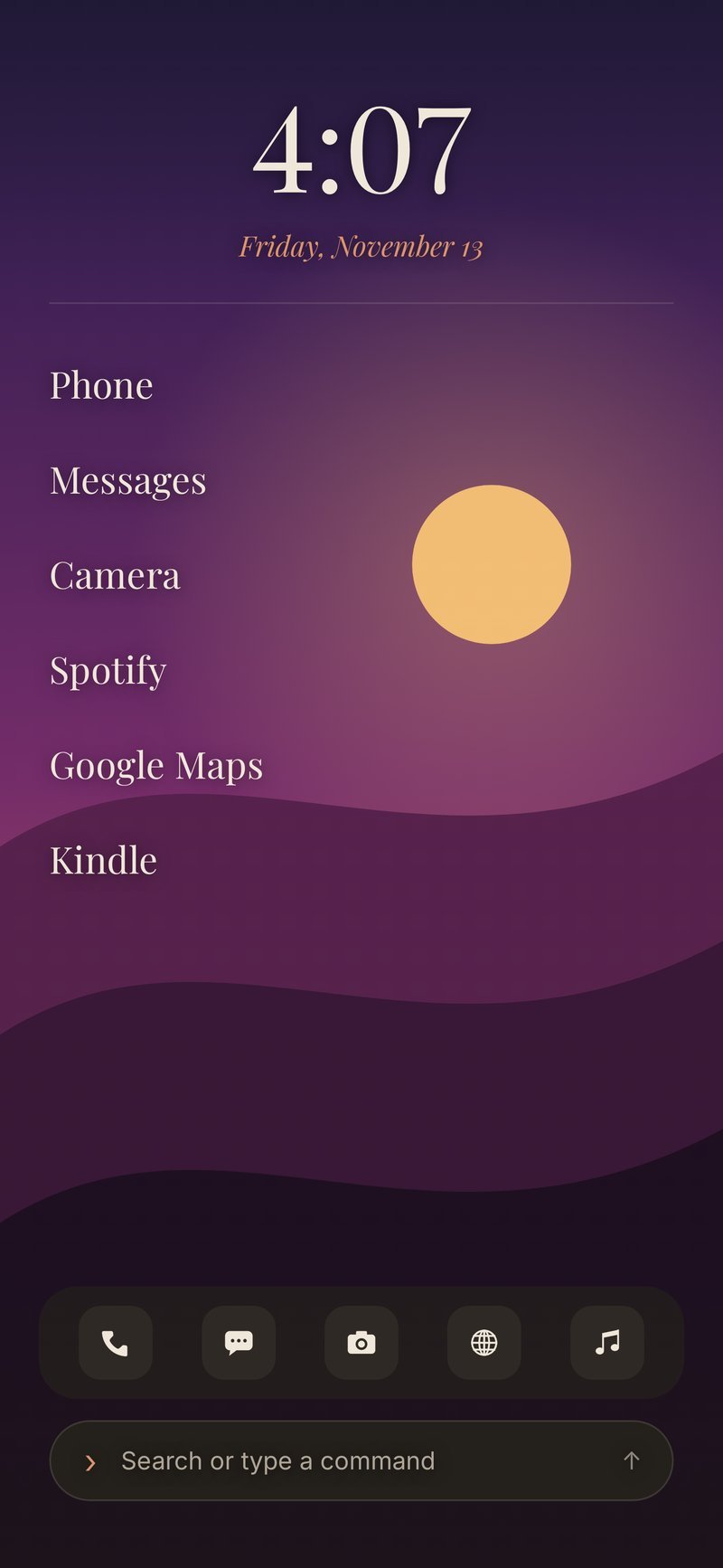
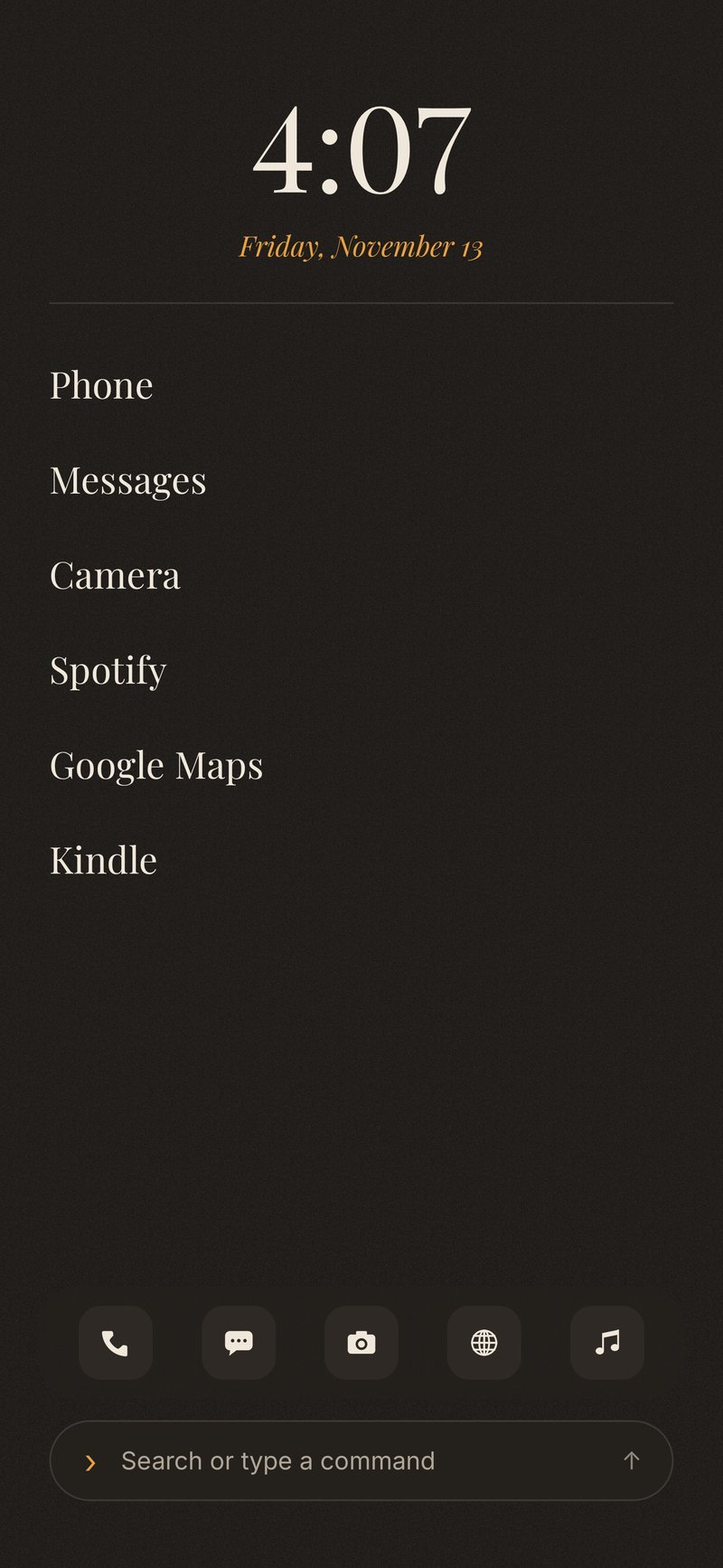
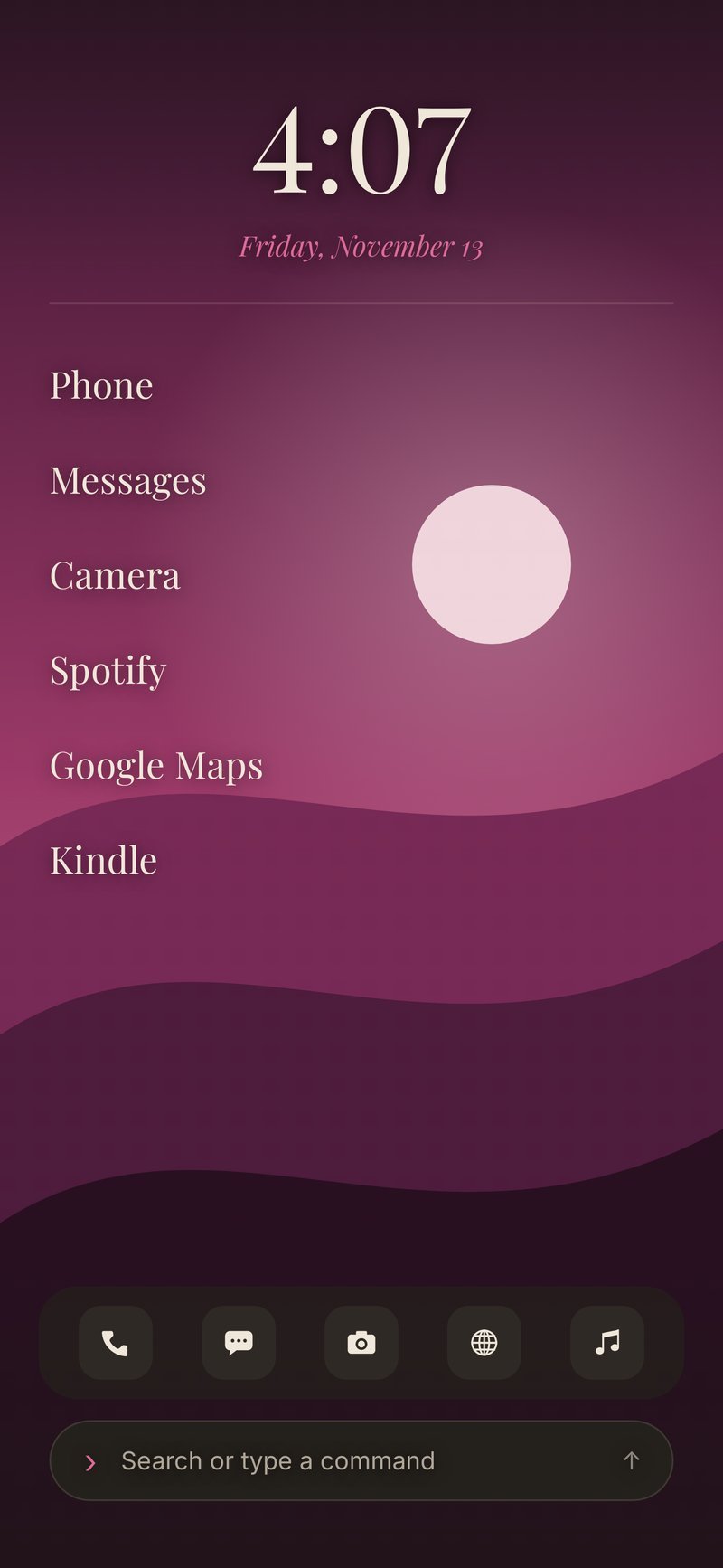
Just your apps, as words.
No feeds, no badges, no noise. Swipe through the tour, or tap a screen to jump to that part of the page.
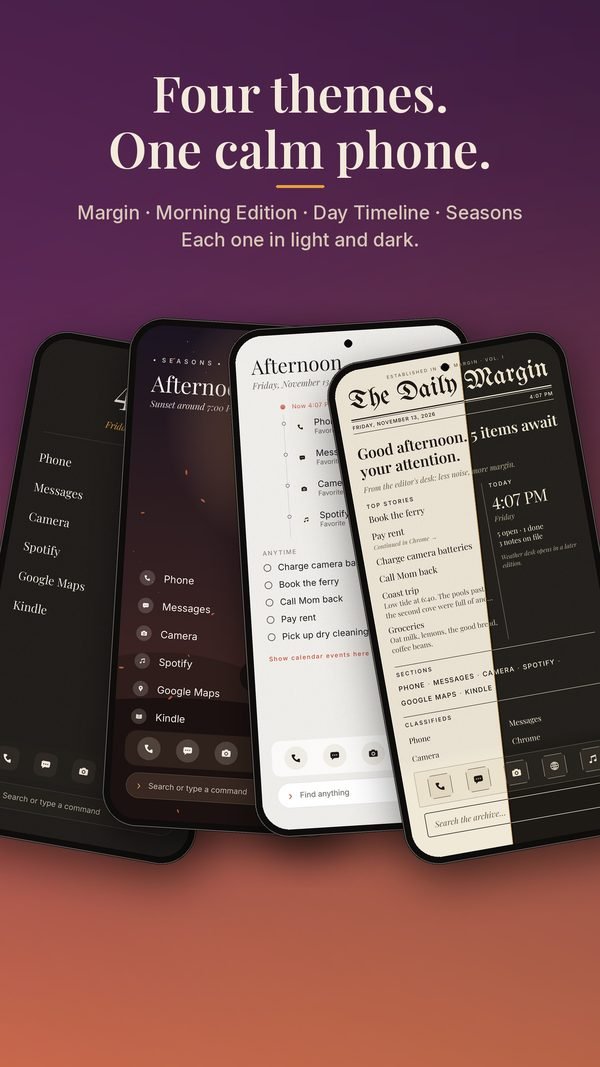
Four themes. One calm phone.
Margin, Morning Edition, Day Timeline and Seasons. Same apps, a different mood.
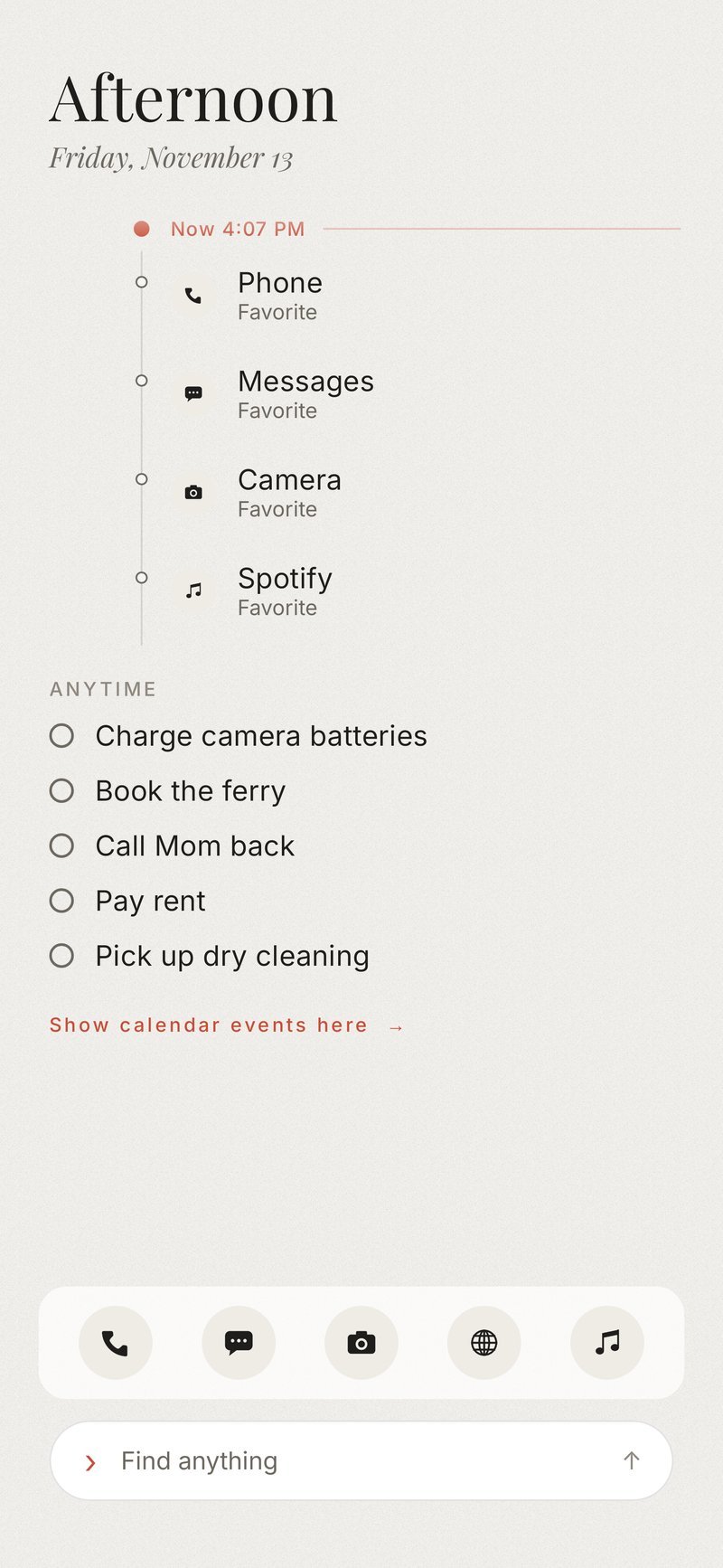
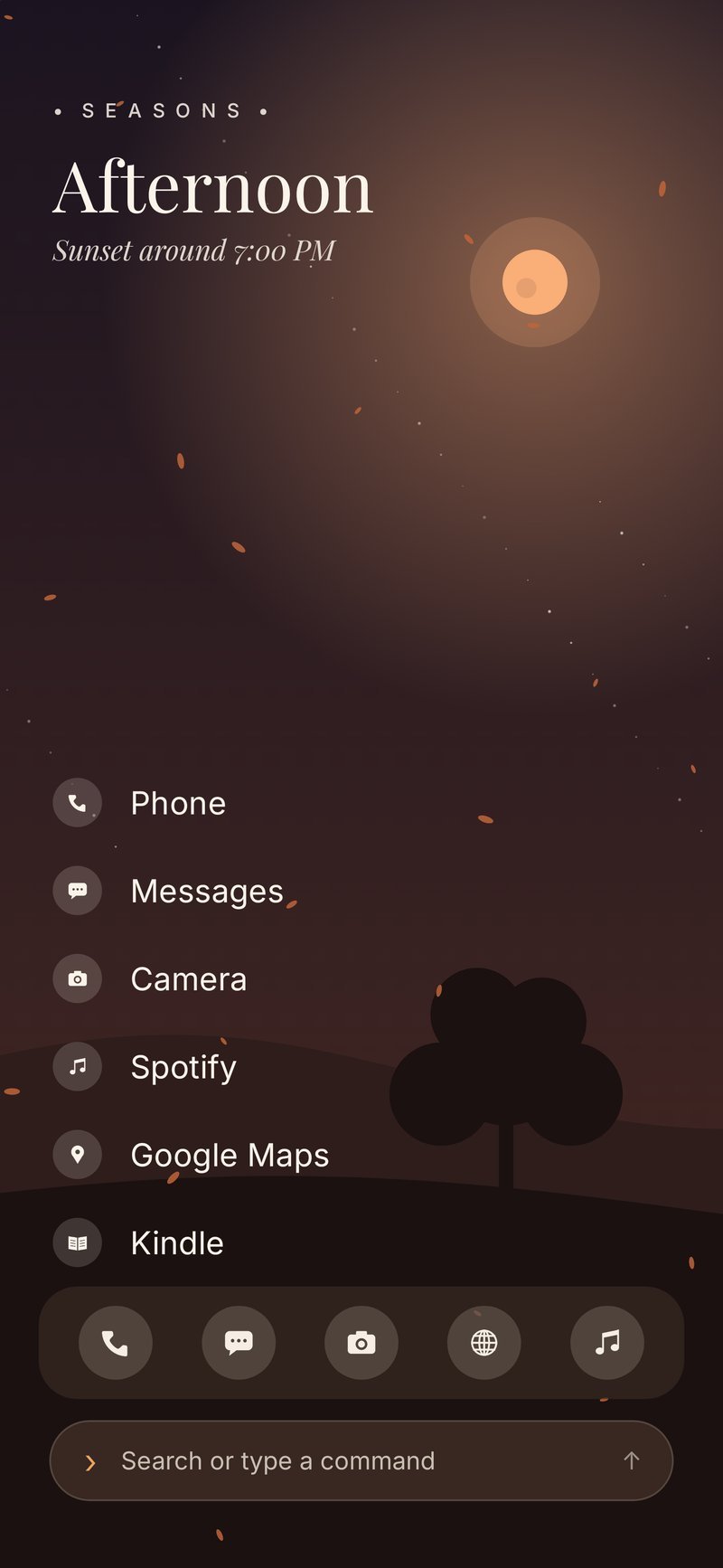
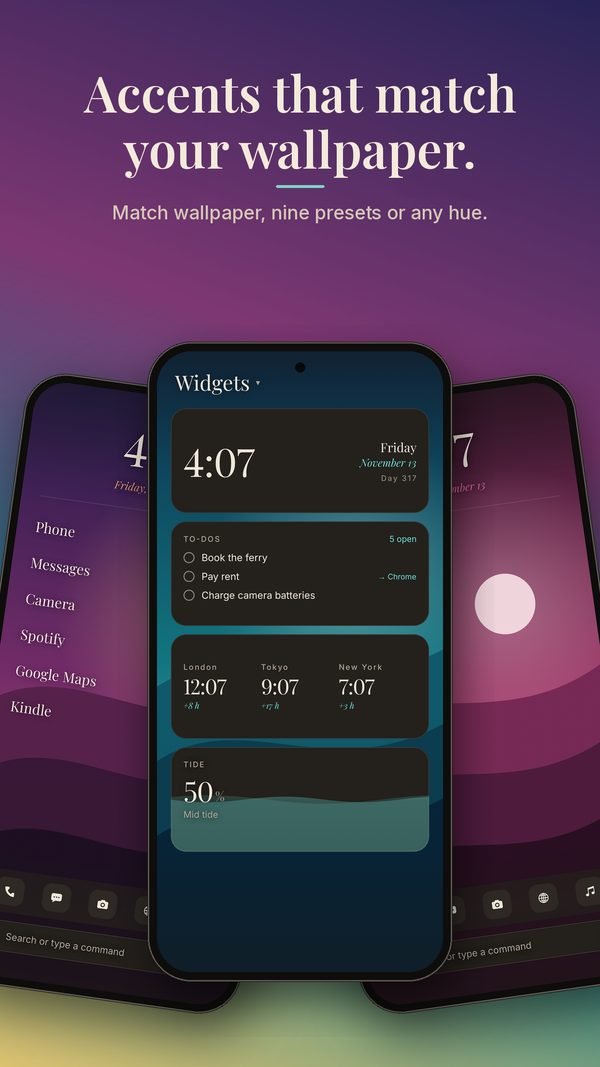
Accents that match your wallpaper.
Match the wallpaper, pick one of nine presets, or choose any hue. Widgets keep the same quiet voice.
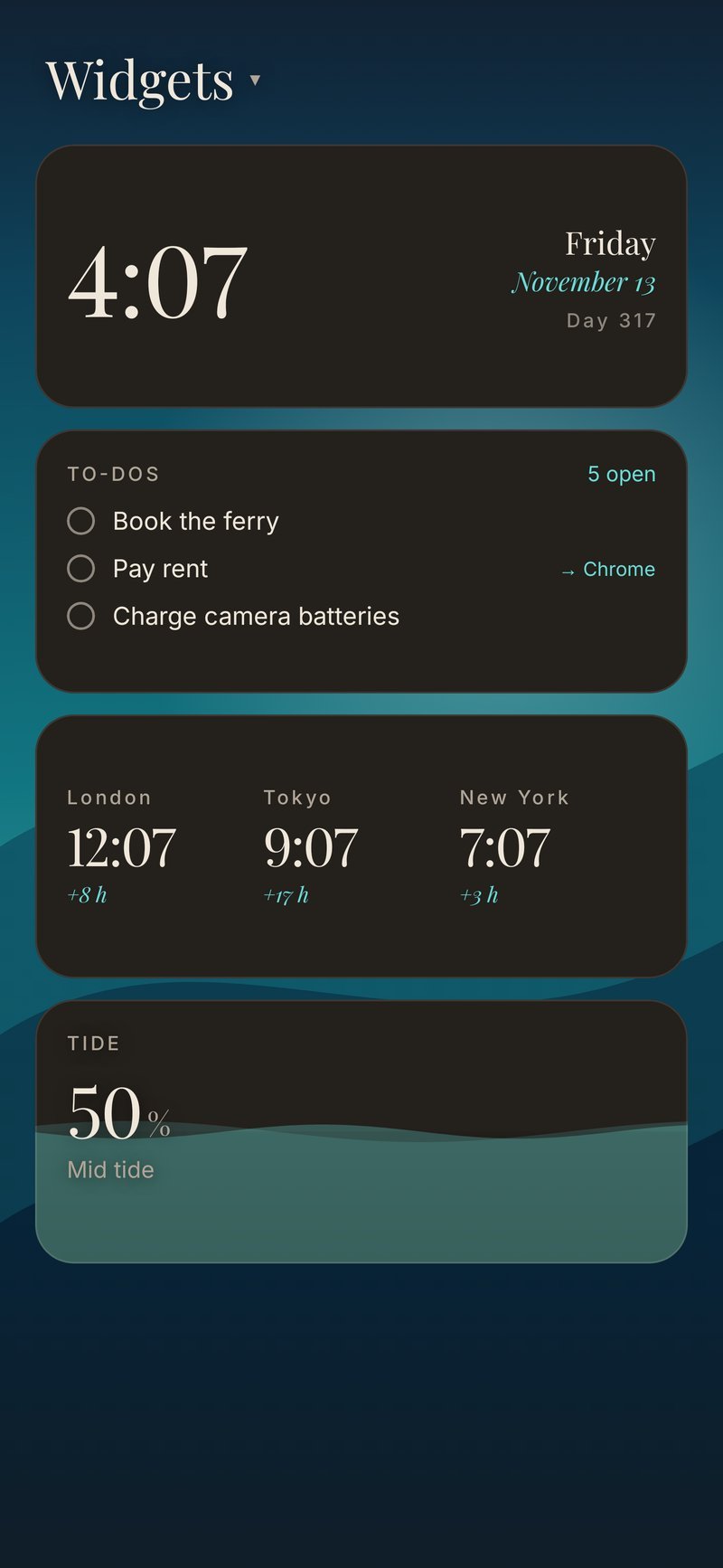
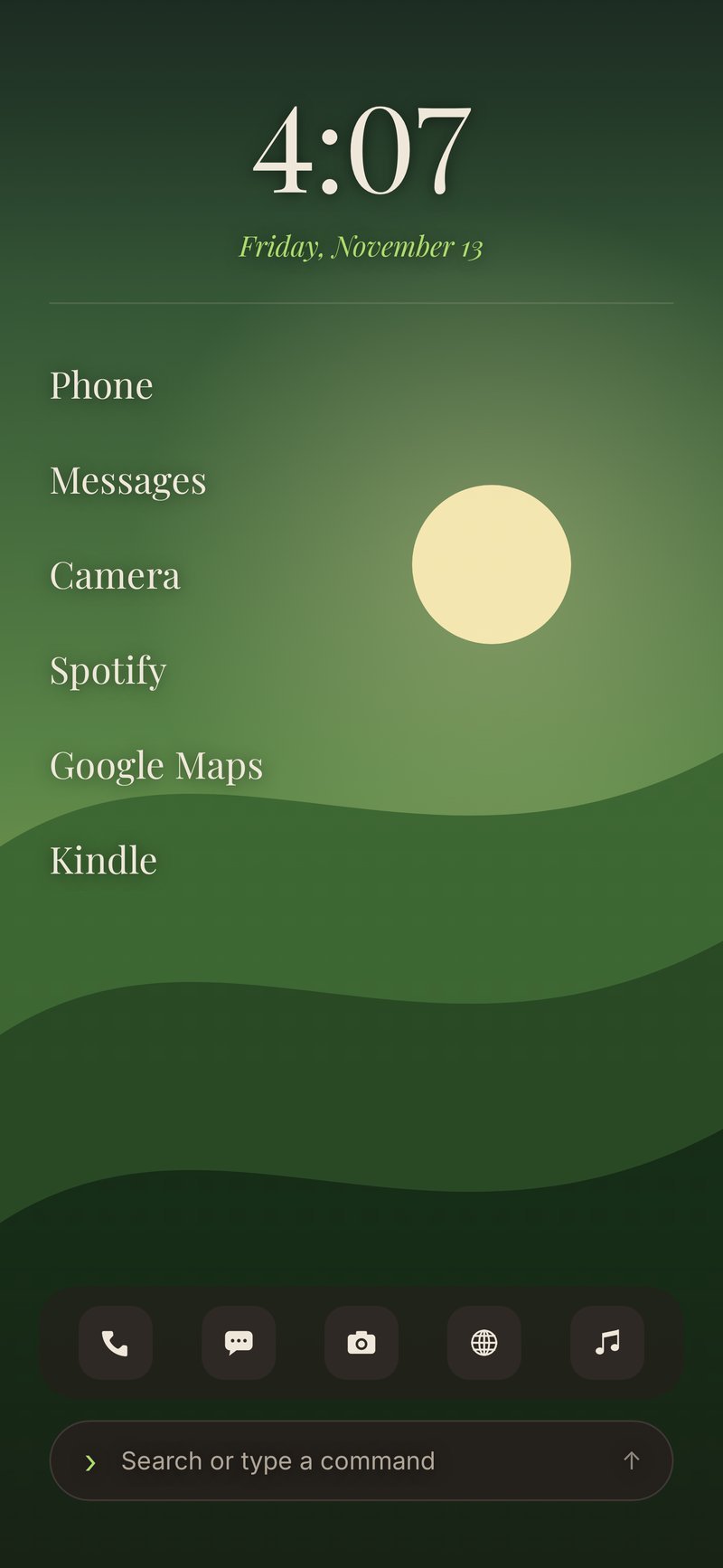
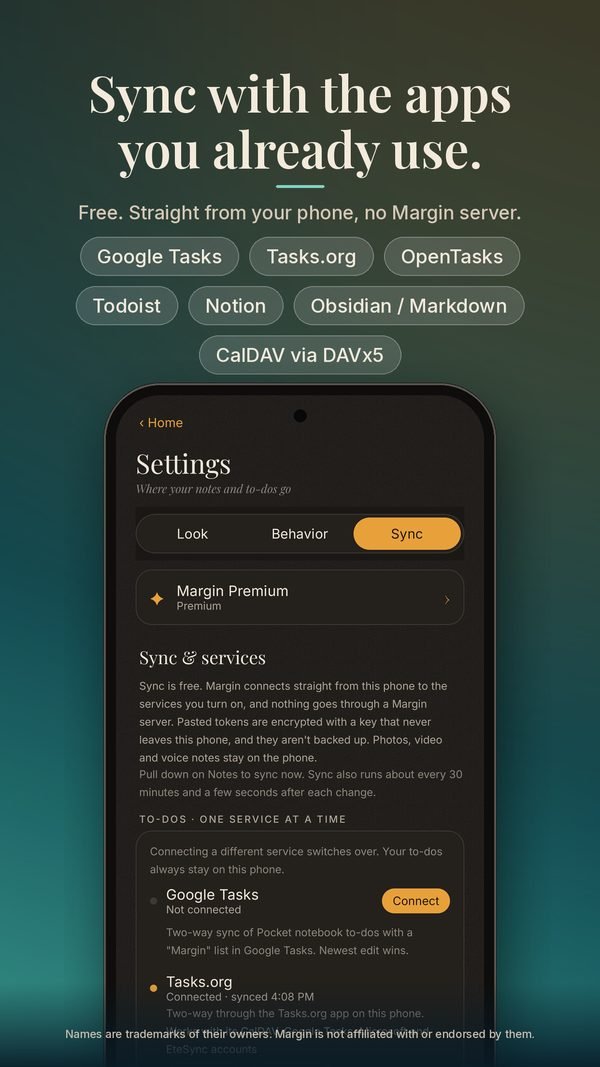
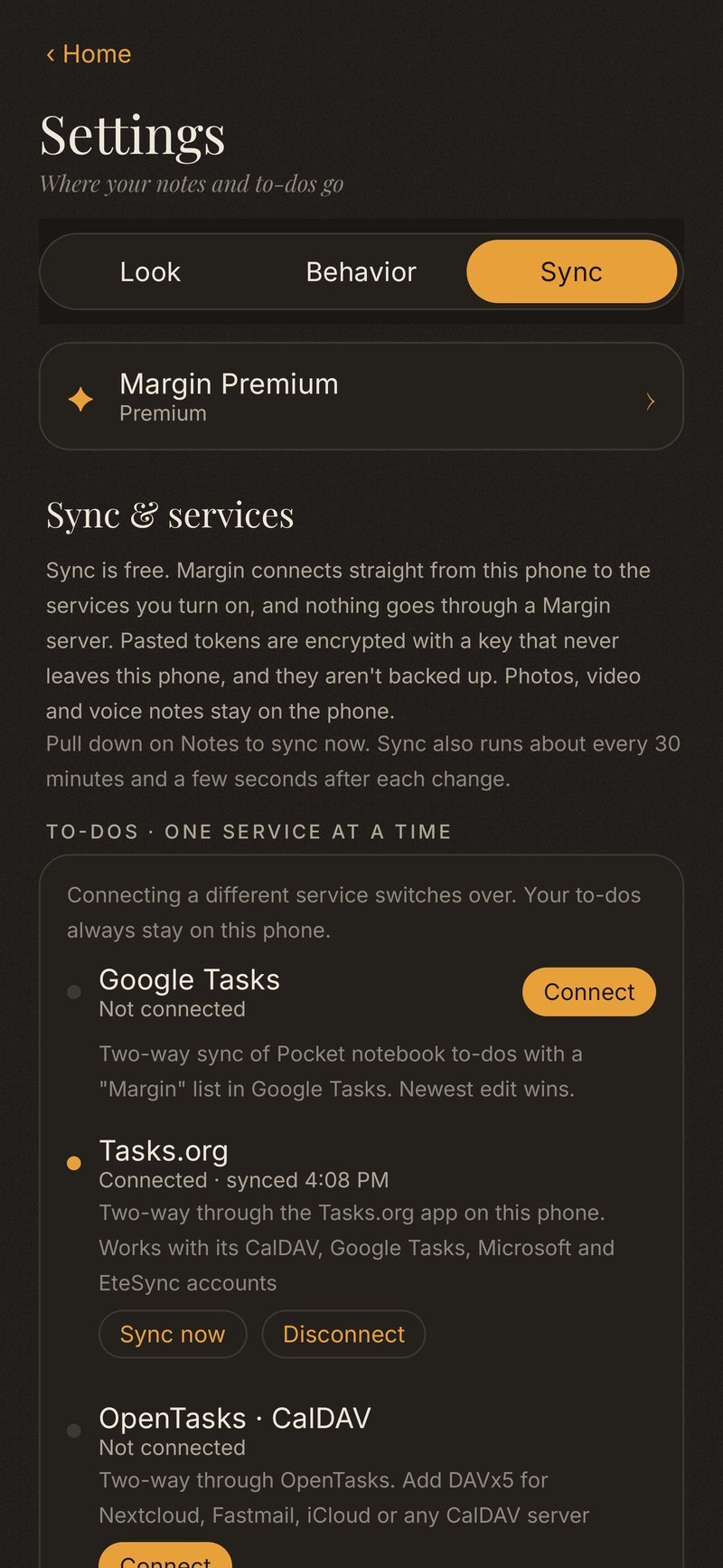
Sync with the apps you already use.
Free. Your phone talks to the service directly; there is no Margin server in between. Tokens you paste are encrypted on the device.
- Google Tasks
- Todoist
- Notion
- Tasks.org
- OpenTasks
- Obsidian / Markdown
- CalDAV via DAVx5
- To-dos, where they already live. Two-way with one service at a time, including CalDAV, Nextcloud and iCloud through DAVx5.
- Notes in your vault. Every note can land as a Markdown file in your Obsidian folder, or as a page in Notion.
- Pull down to sync. Or let it run a few seconds after you change something.
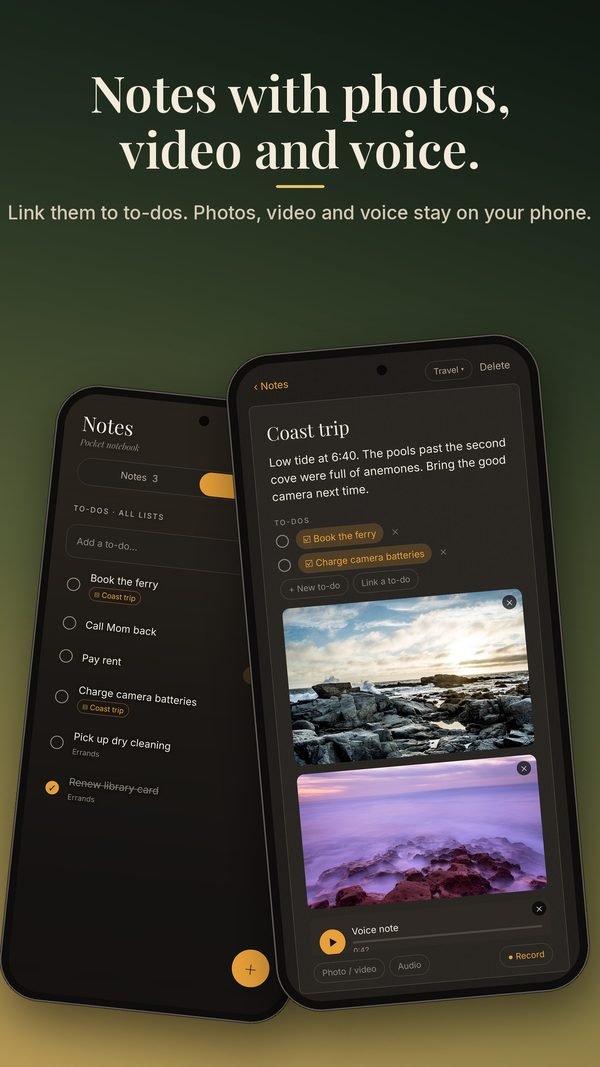
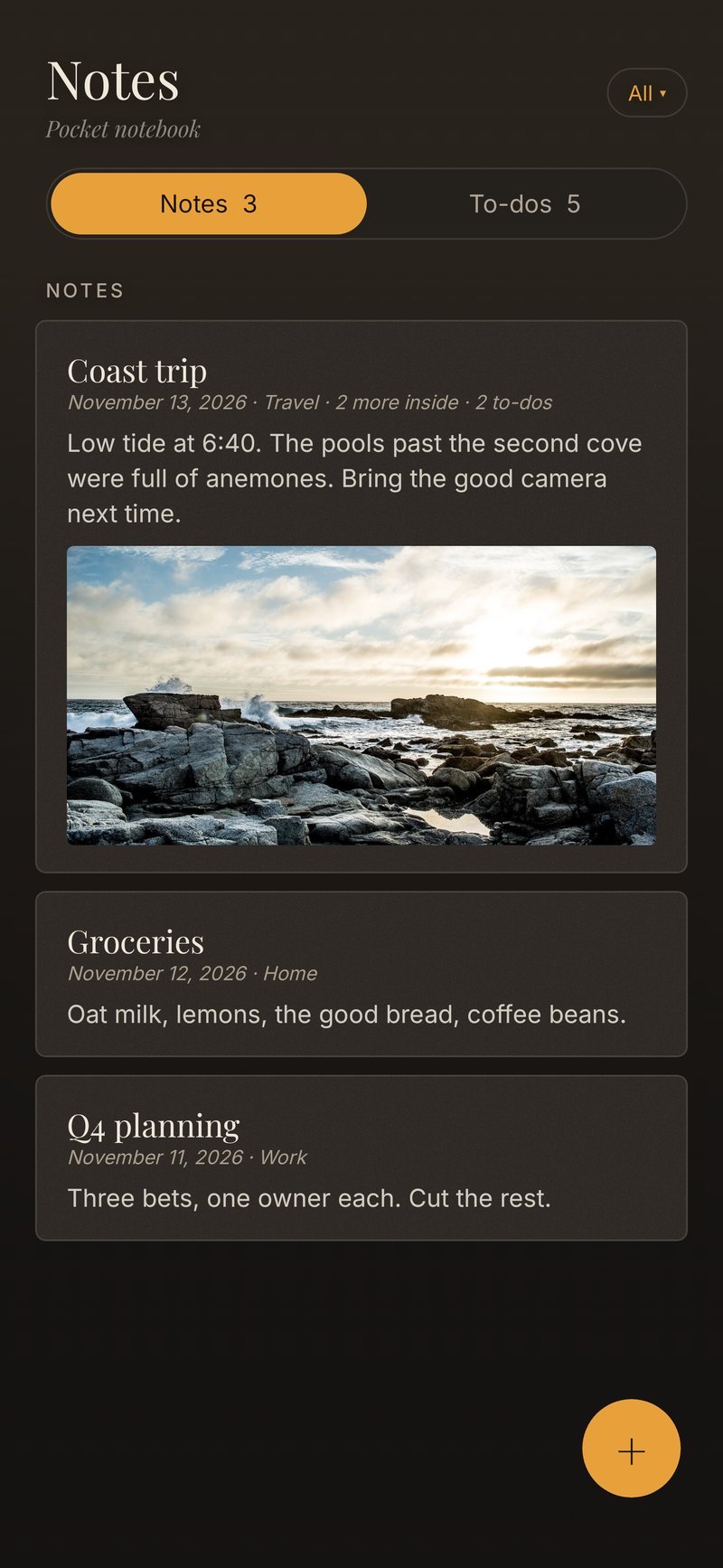
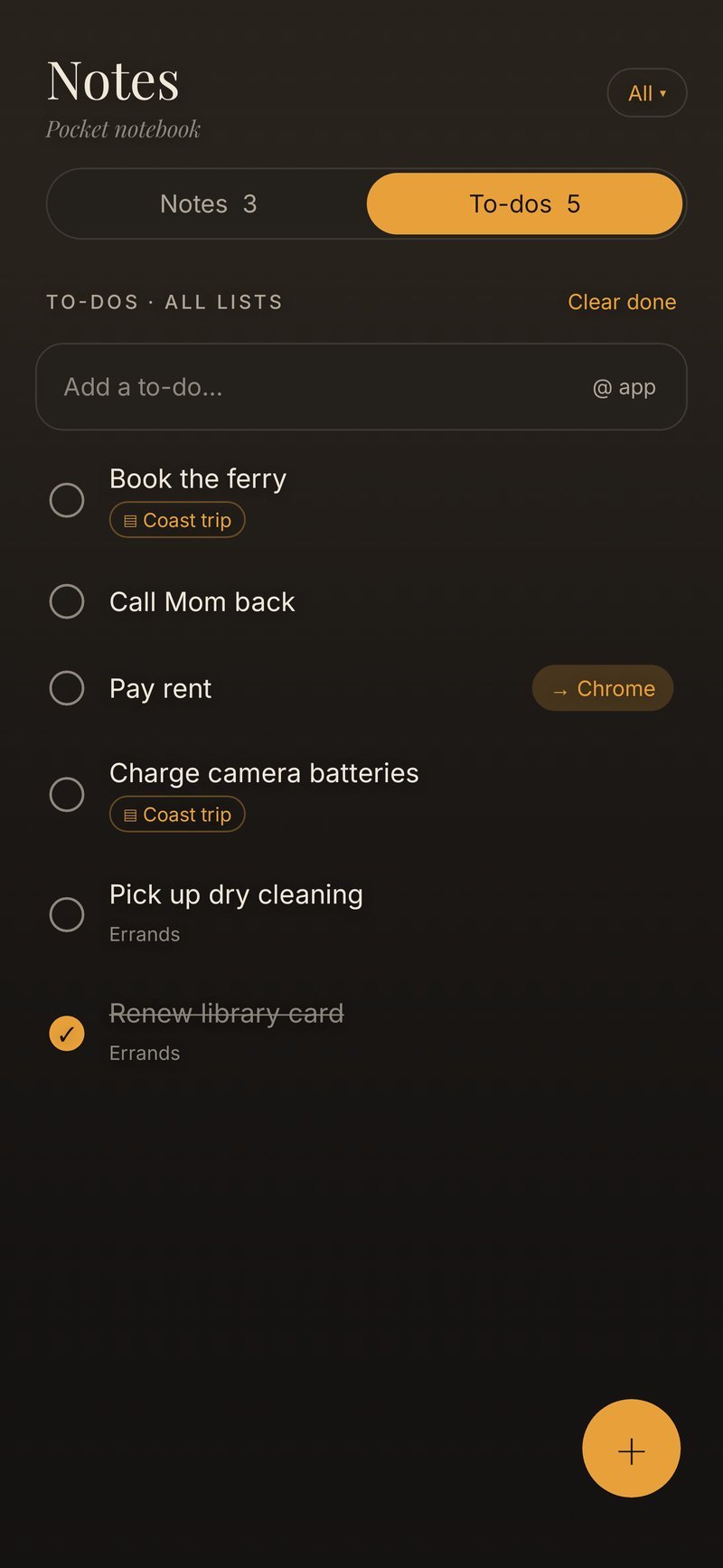
A pocket notebook.
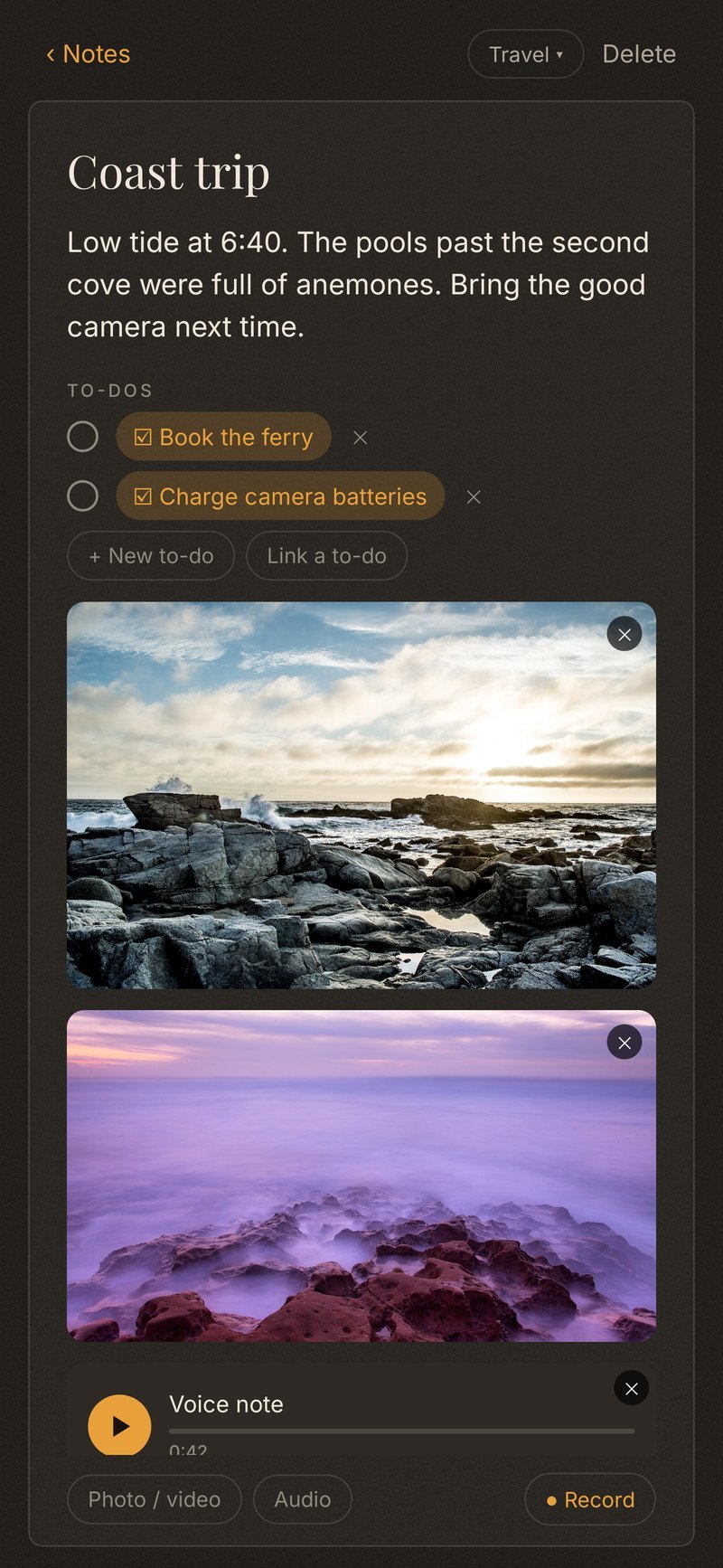
Write a note, attach a photo, a video, or a voice memo. Tick a to-do, or link one to the note it belongs to. Photos, video and voice stay on the phone.
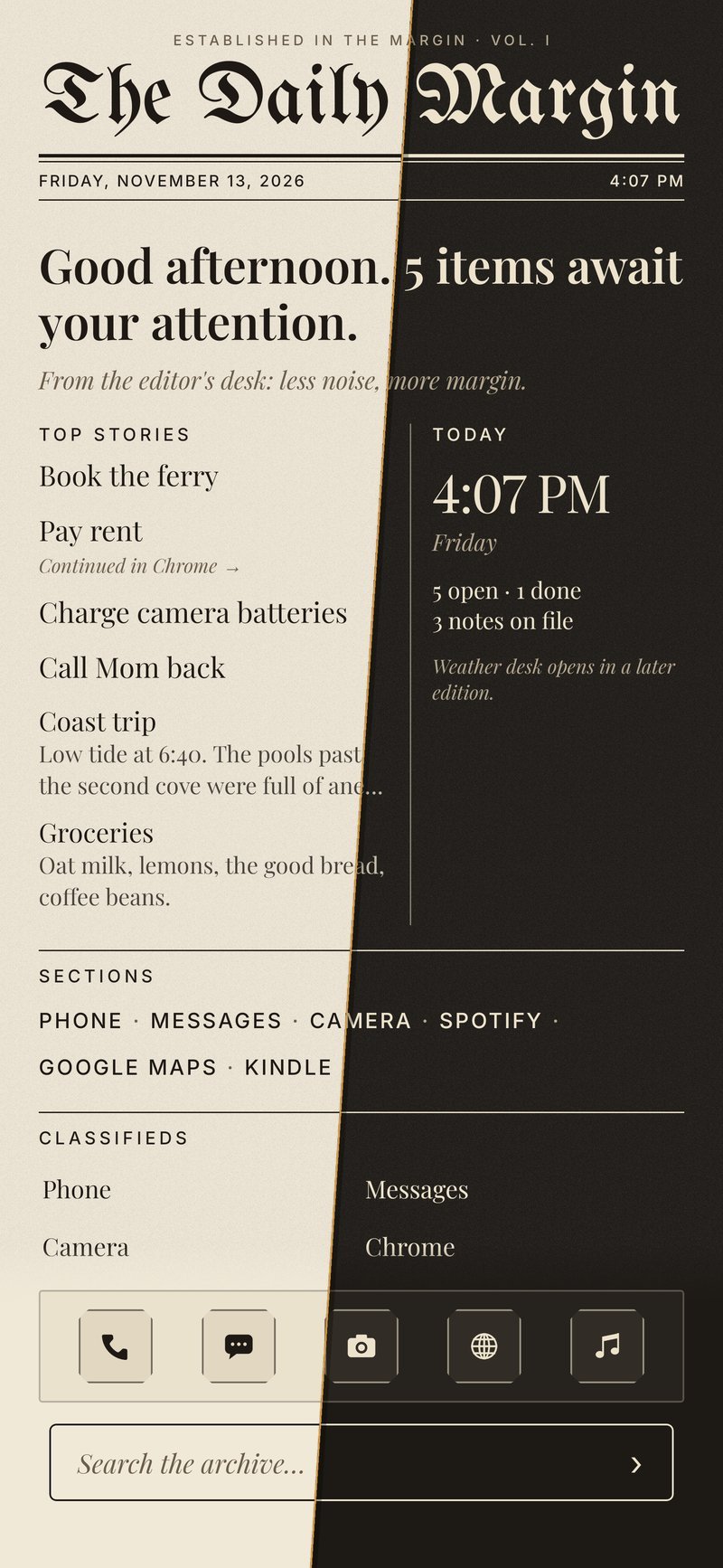
A newspaper front page for the morning.
Your open to-dos, a note or two, and the time, set like a morning paper, in light or dark. Same phone, a quieter start to the day.
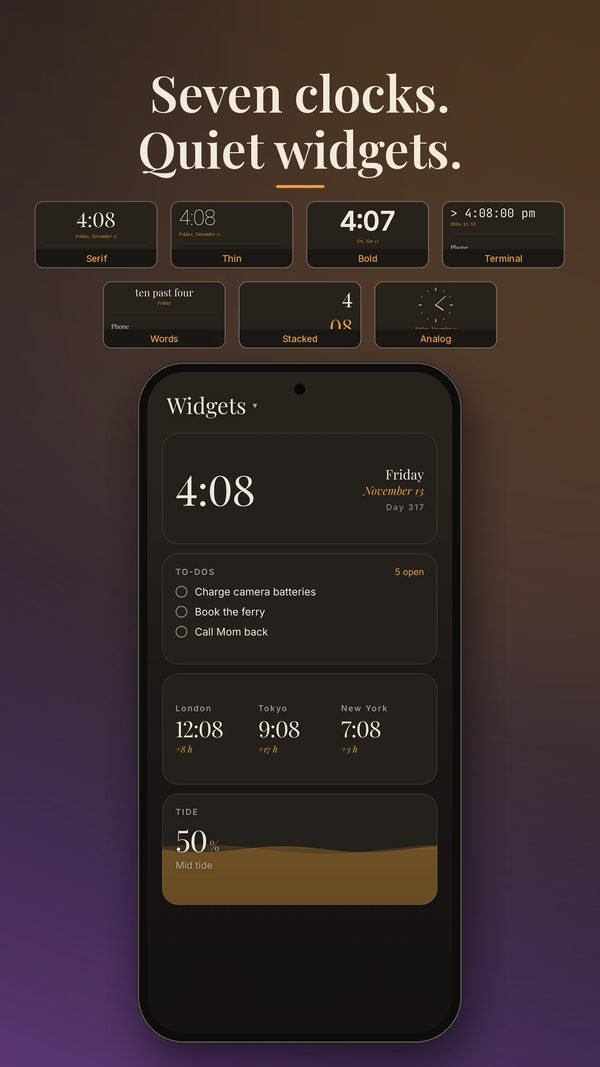
The time, in your hand.
Serif, thin, bold, stacked, words, terminal or analog. Widgets — a clock, to-dos, world clocks, tide — speak in the same quiet voice, not as a stack of foreign cards.
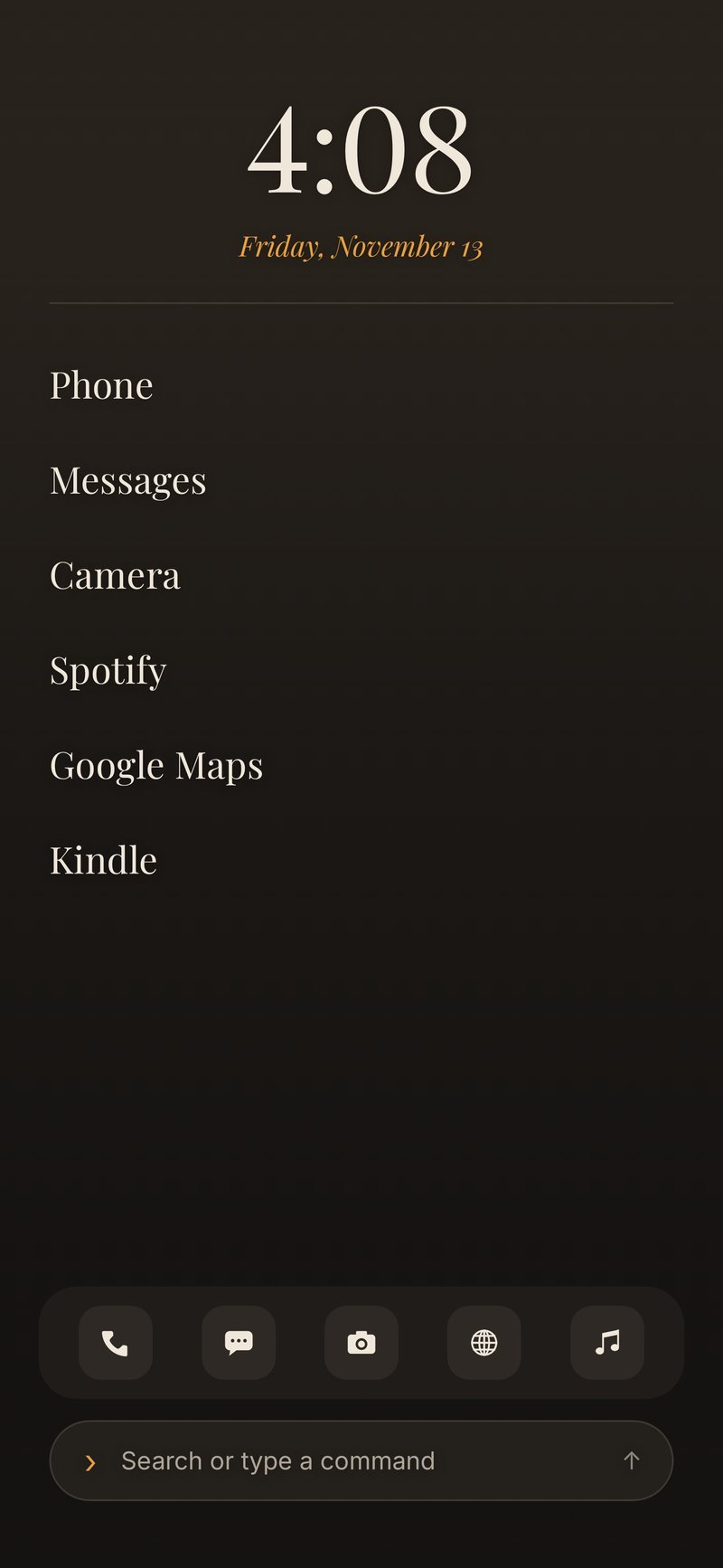
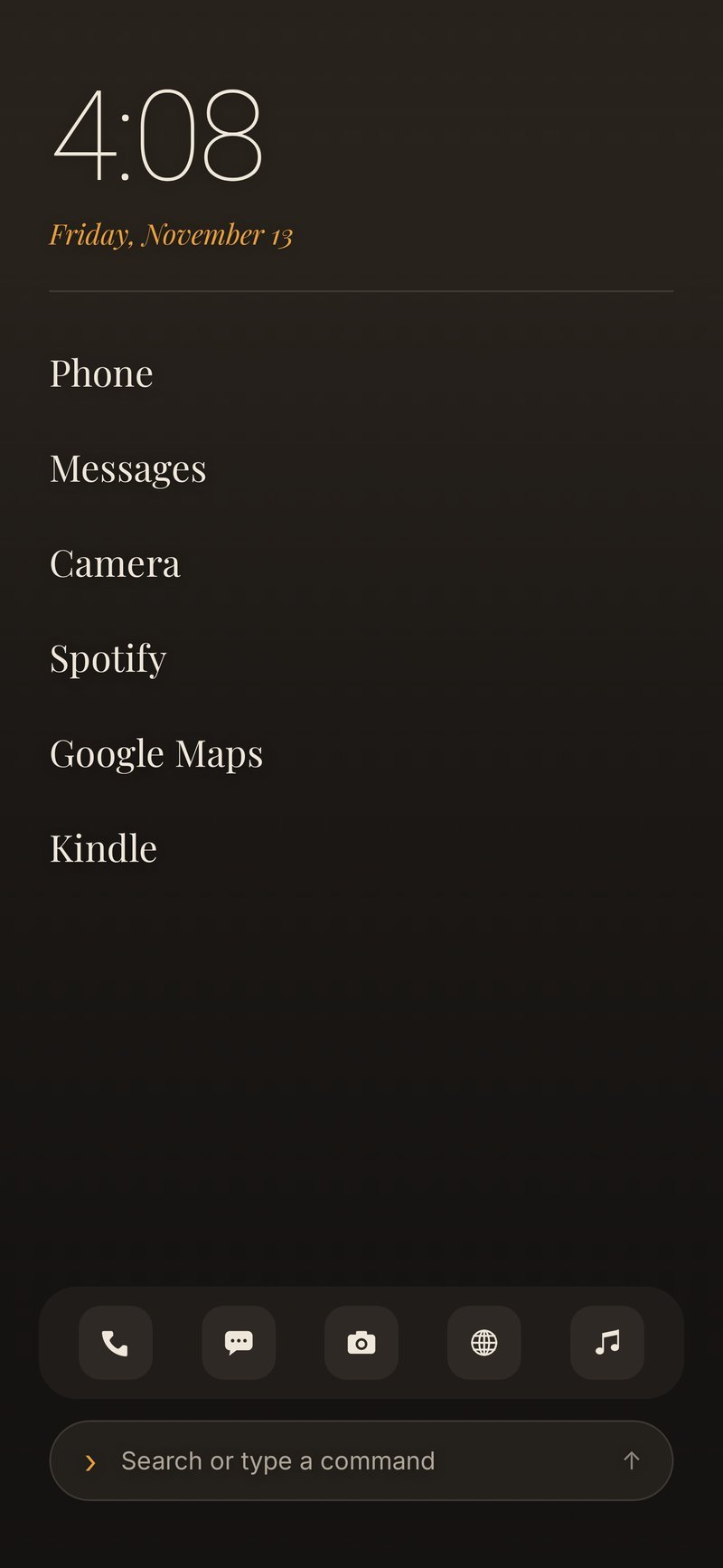
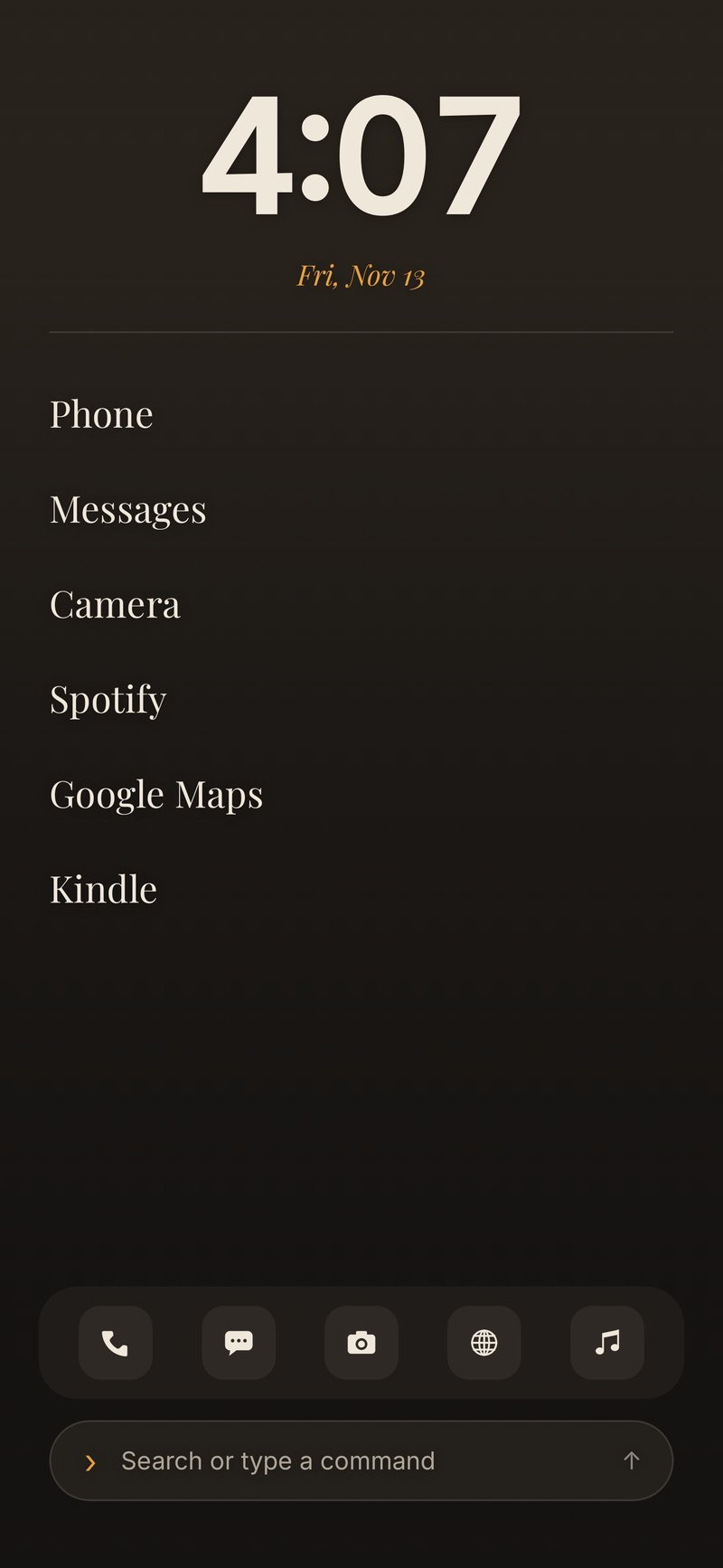
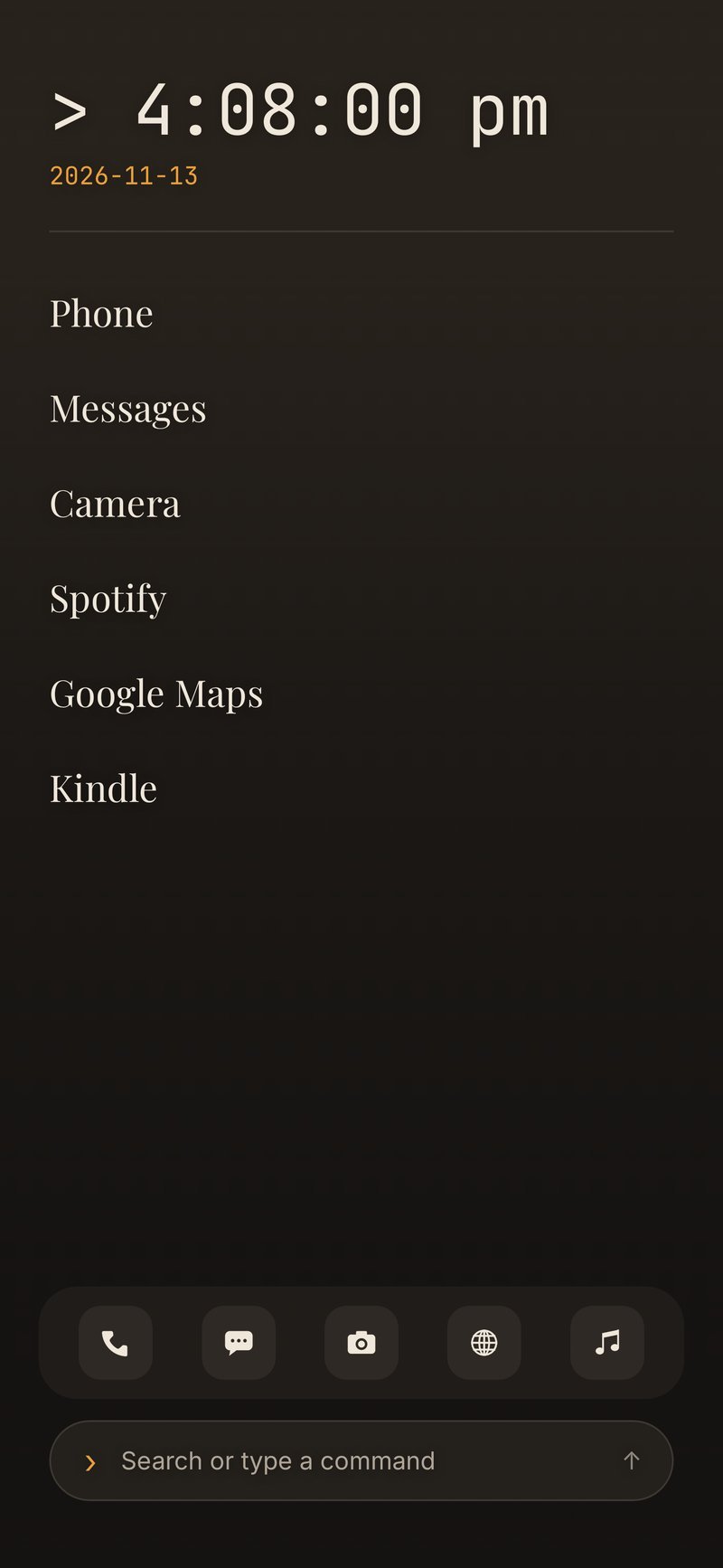
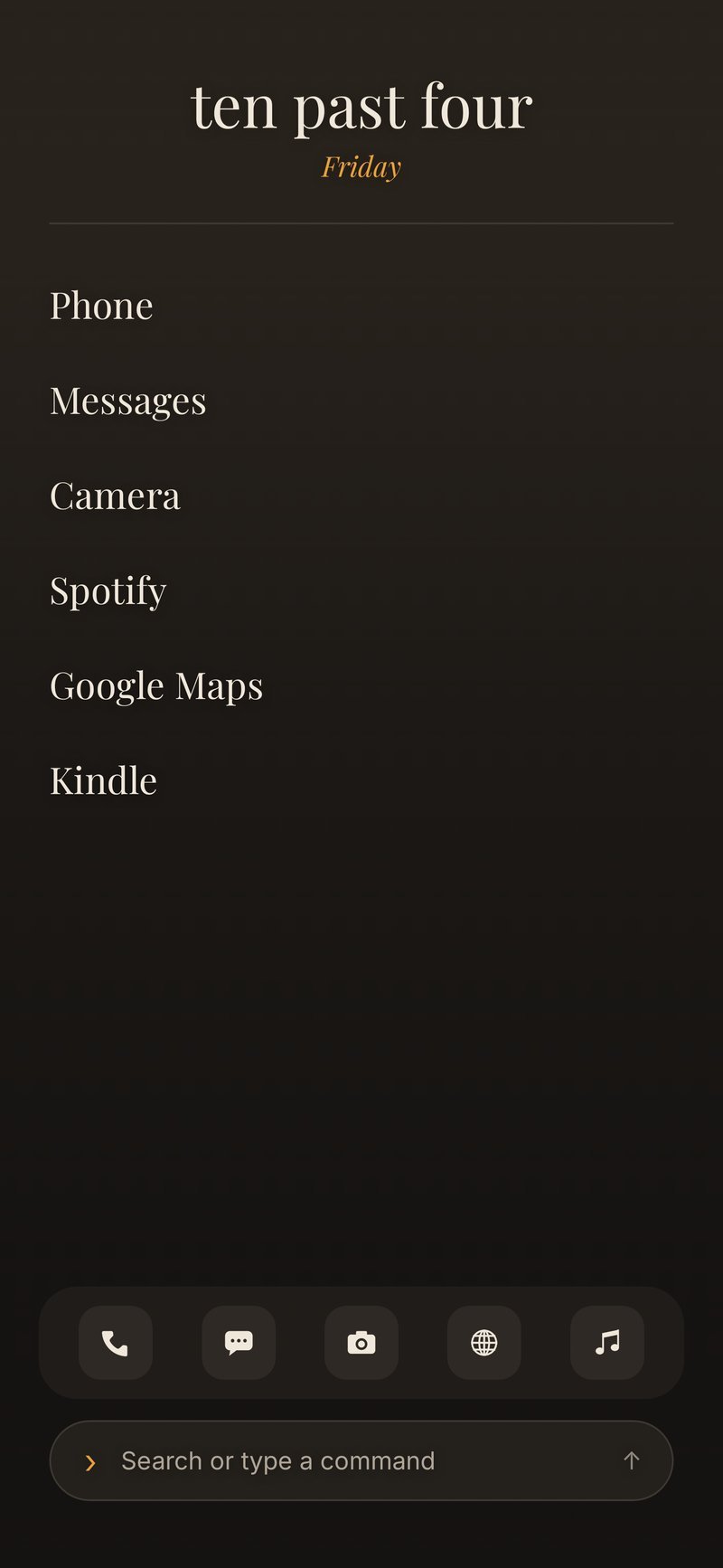
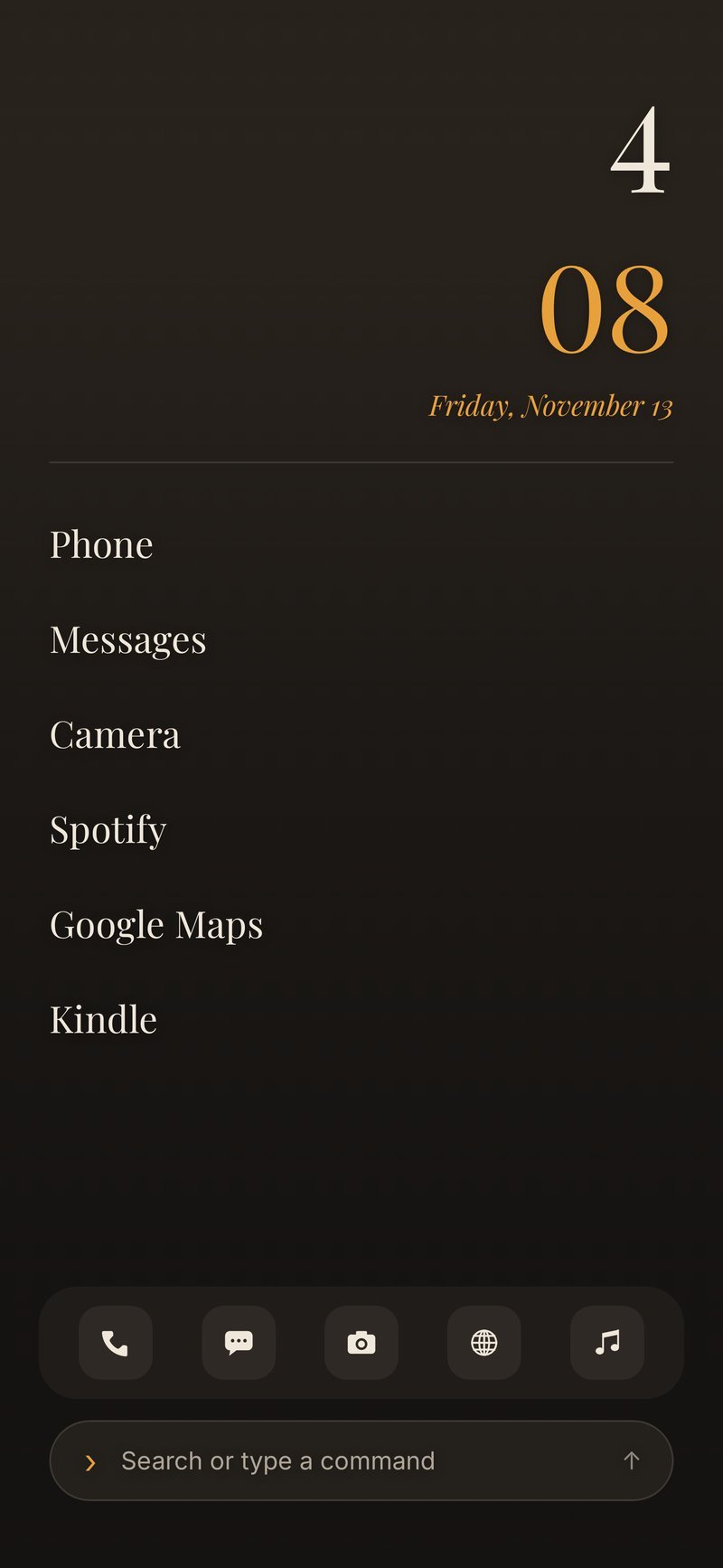
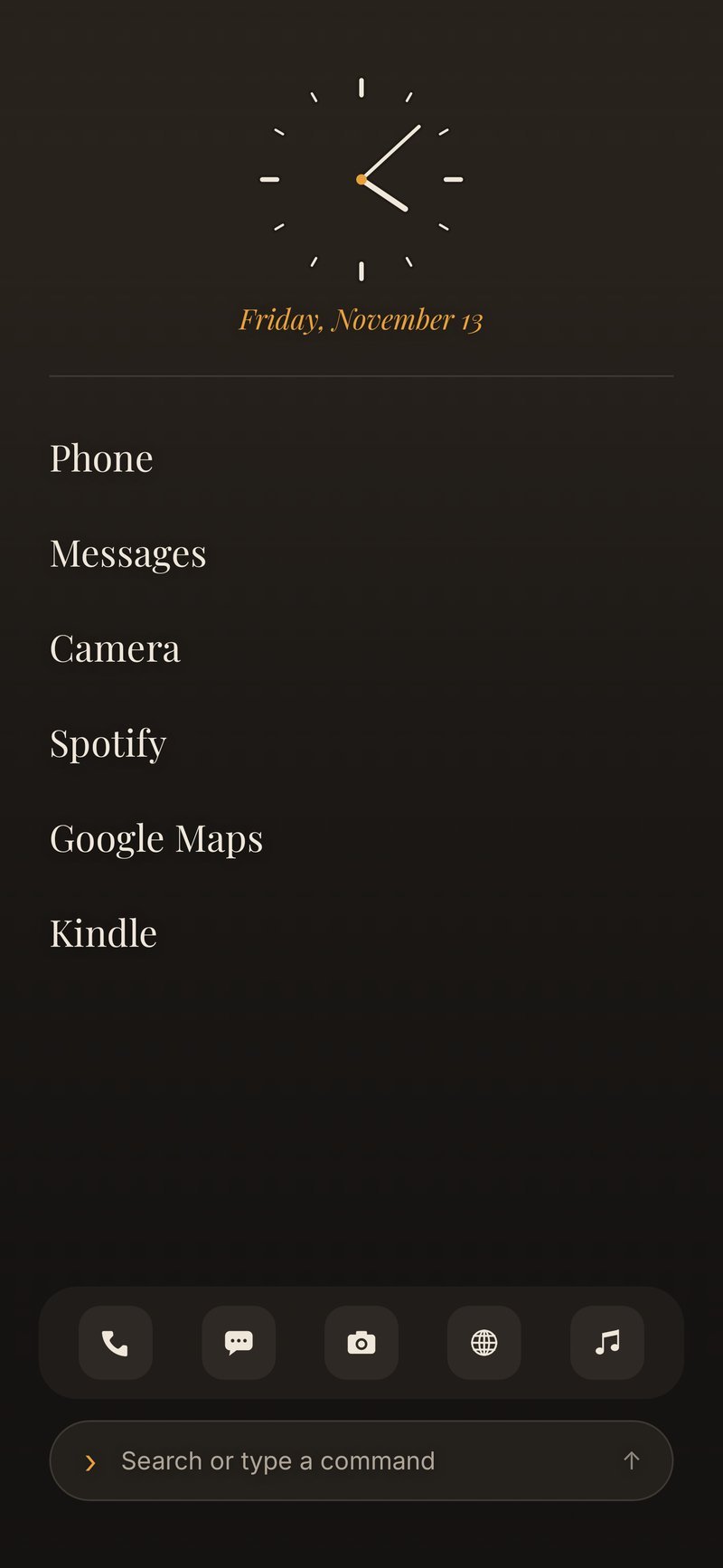
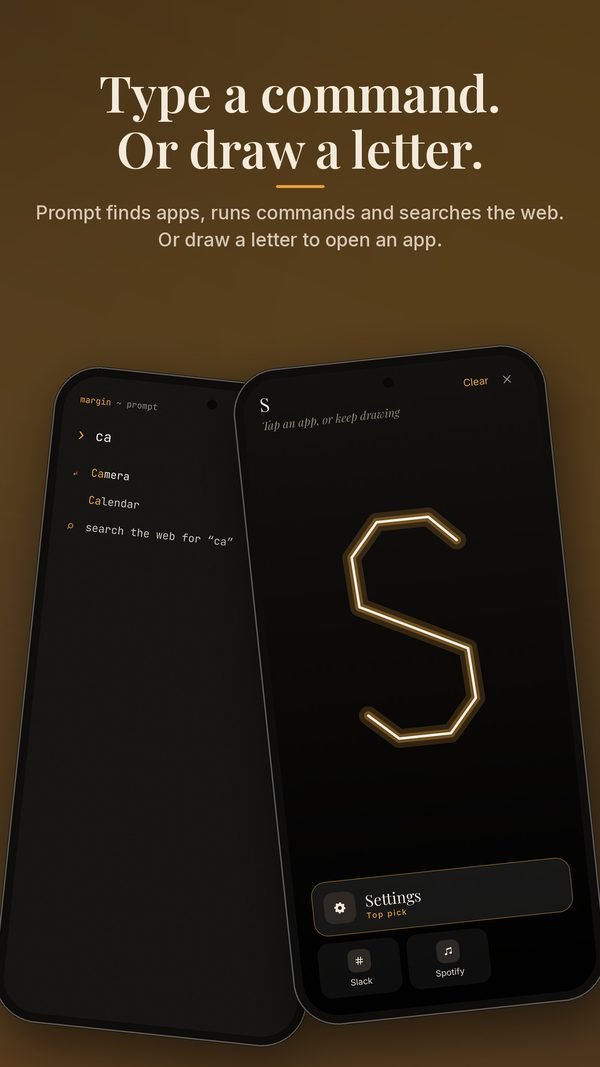
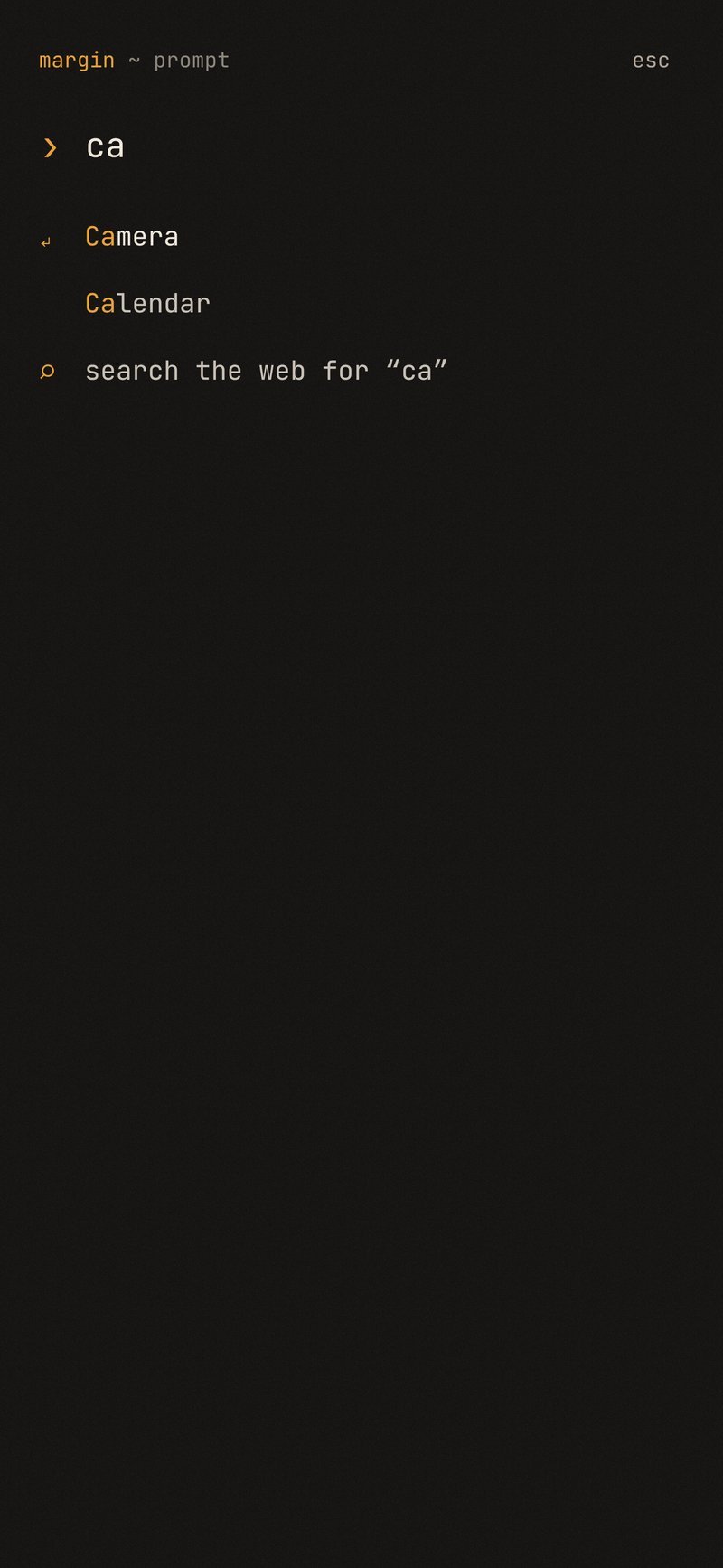
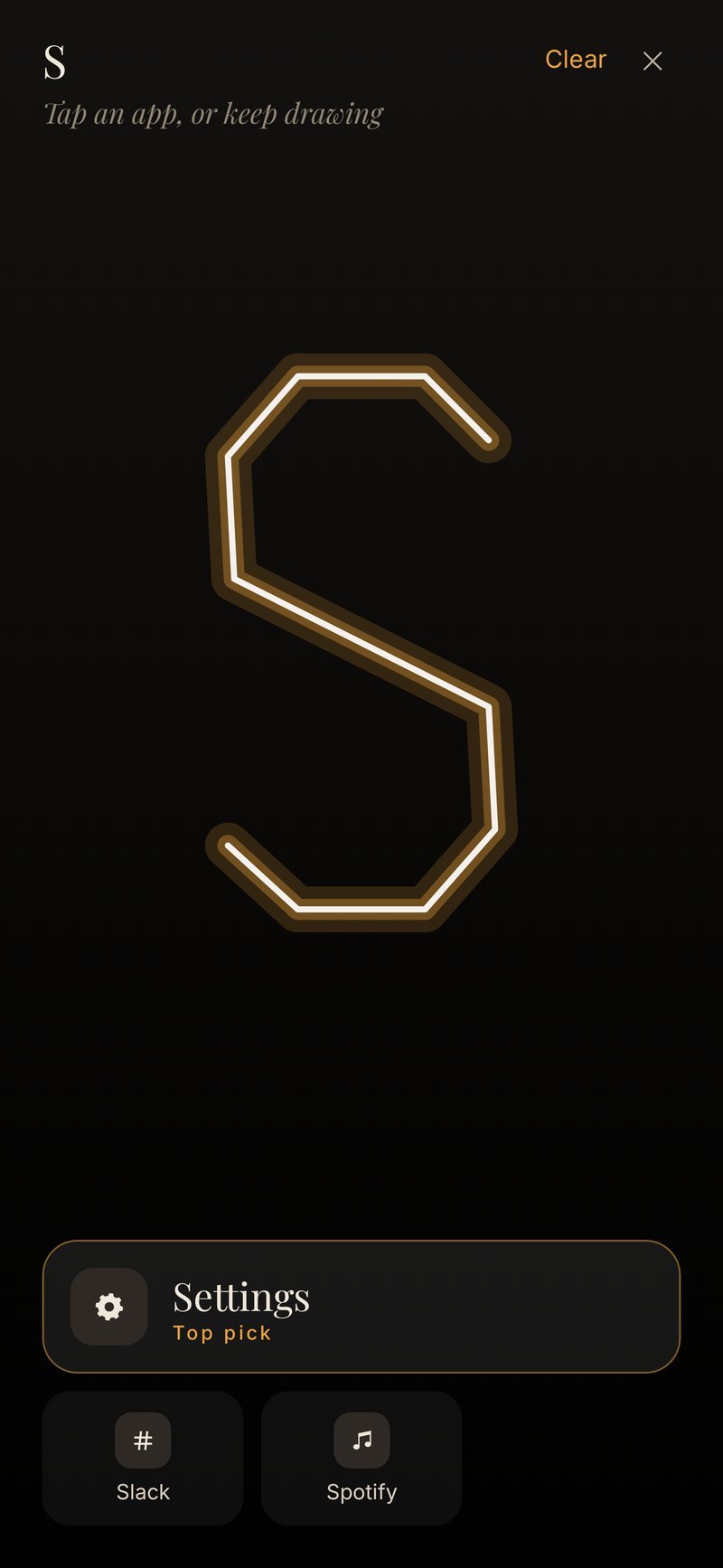
Type a command. Or draw a letter.
Prompt finds apps, runs commands and searches the web, in a quiet terminal. Or sketch a letter to open the app that starts with it.
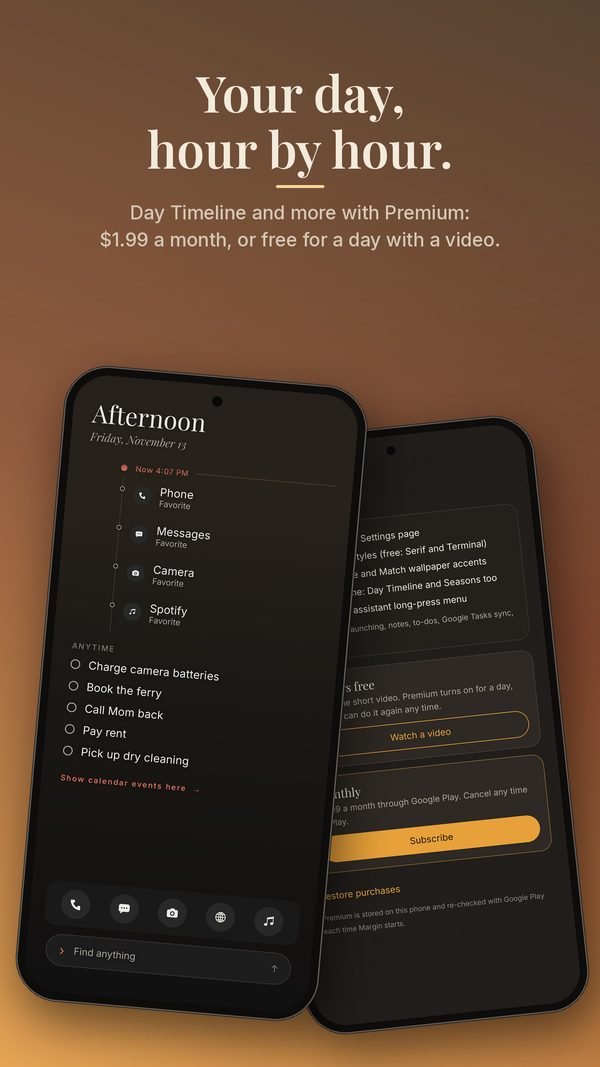
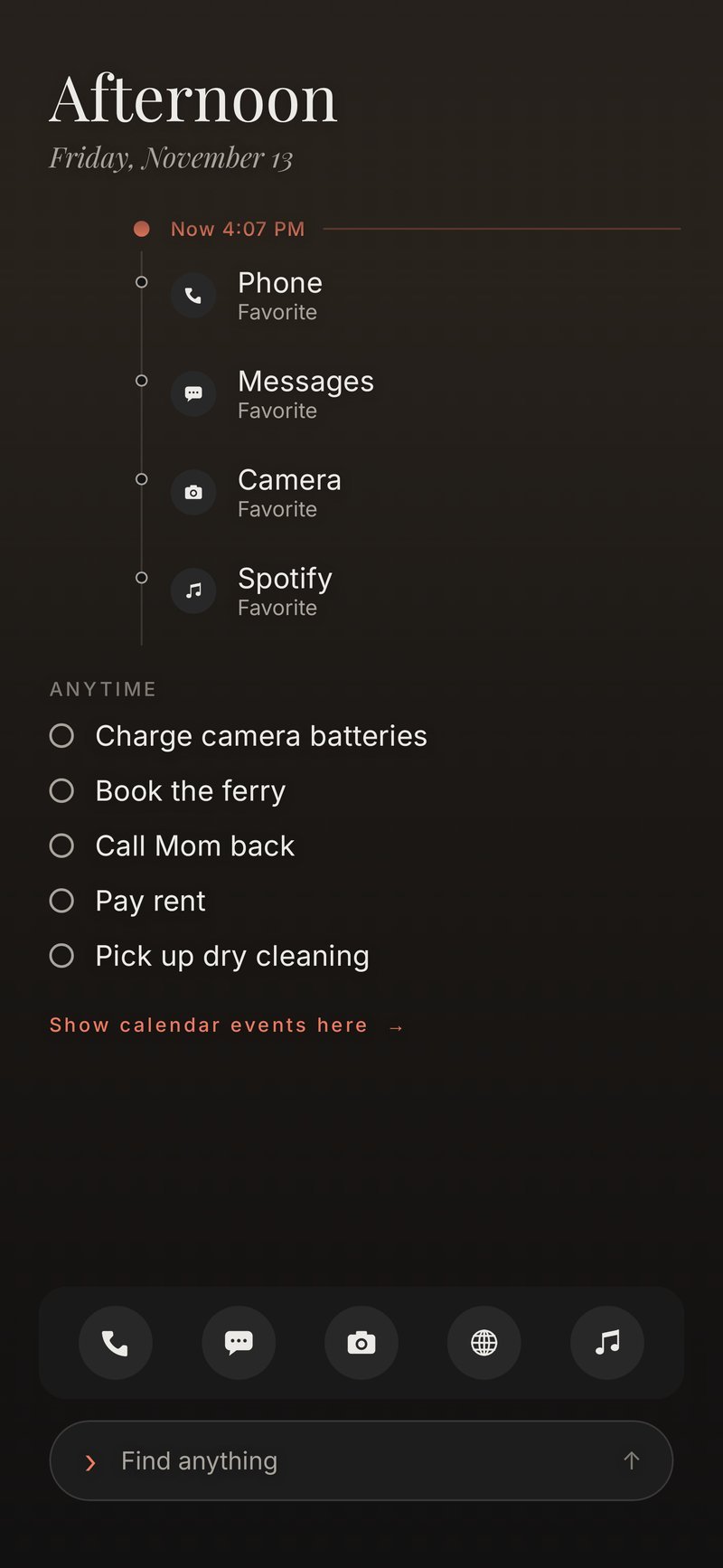
Your day, hour by hour.
Favorites sit under the hour you’re in. The rest of the day stays in view, without a grid of icons.
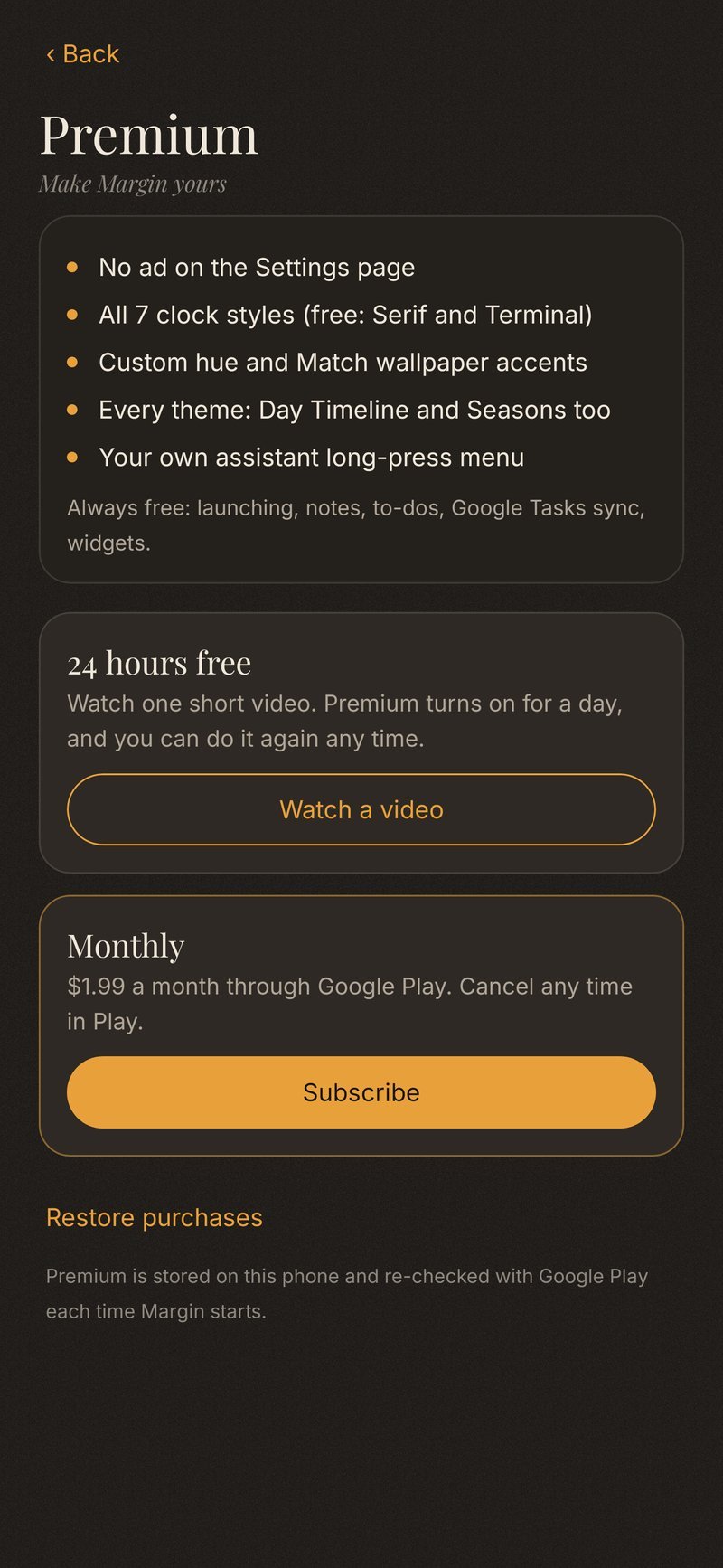
- Launching stays free. So do sync, notes and to-dos.
- Premium is $1.99 a month, or free for 24 hours by watching a video.
- It unlocks every clock style and theme, and removes the one ad on the Settings page.
Pairs with Margin Walls.
Margin Walls plays seamless live wallpapers behind your icons, on a PC and on a phone. Put a slow loop behind Margin.
Coming soon to Google Play.
Free to download on Android 10 or newer. Premium is optional: $1.99 a month, or 24 hours by watching a video.
Android
Android 10 or newer. The app is coming soon to Google Play. Launching, notes, to-dos and sync stay free.
Coming soon to Google PlayPrivacy
No cookies. A simple visit counter, no tracking. Read how the app handles information, including what stays on your phone.
Privacy policyA few short answers.
Is Margin free?
Yes. The app is free to download. Launching apps, notes, to-dos and sync stay free. Premium is optional: $1.99 a month, or free for 24 hours by watching a video. It removes the one ad on the Settings page and unlocks every clock style and theme.
Do I need an account?
No. You only sign in or paste a token if you want to sync with a service you already use, such as Google Tasks, Todoist, Notion or an Obsidian folder.
How does sync work?
Your phone talks to the service directly. There is no Margin server in between. Tokens you paste are encrypted on the device. Photos, video and voice notes stay on the phone and are not uploaded. A short guide to connecting each service.
What Android version do I need?
Android 10 or newer.
Is it on Google Play?
Not yet. Margin is coming soon to Google Play. This site will point to the listing once it is public.
What’s the Margin family?
Margin is a sibling of Margin Walls, live wallpapers for Windows and Android. They work fine on their own and look good together.